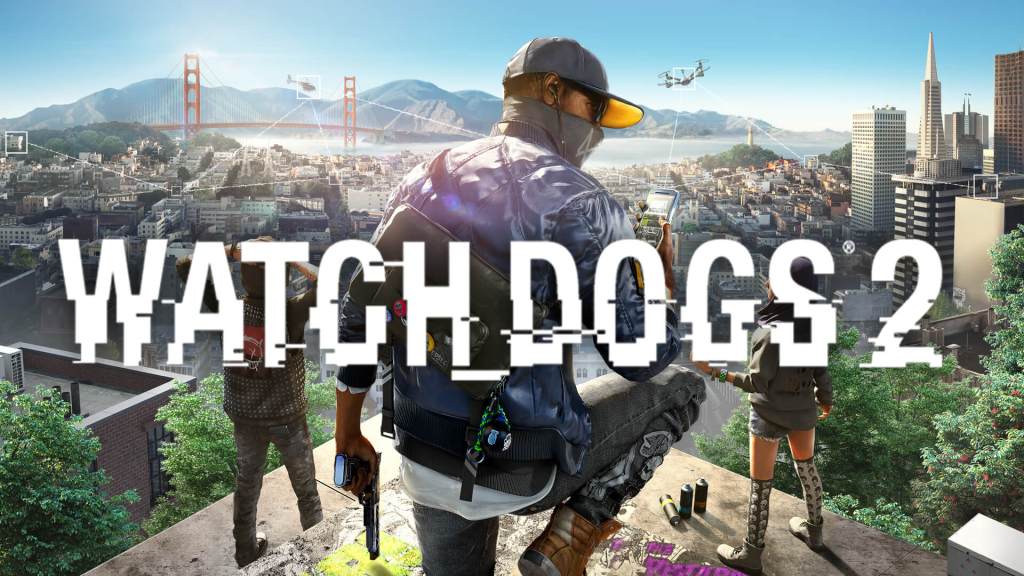
If you’re looking to enhance your Watch Dogs 2 experience, the Ultimate Overhaul Mod introduces new vehicles, weapons, characters, and expanded gameplay mechanics. In this guide, we’ll walk you through the installation process, key features, and important considerations when using this mod.
Step 1: Download and Install the Mod
- Visit Nexus Mods – Click the link provided in the video description to access the mod page.
- Create an Account – If you don’t have one, registering is easy with an email address.
- Download the Mod – Navigate to the Files section and select the latest version of the Ultimate Overhaul Mod.
- Manual Download – Choose the manual download option and save the file to your downloads folder.
- Extract the Mod Files – Open the downloaded ZIP file and select either:
- Better Graphics Version (for high-end PCs)
- Standard Version (for better performance on lower-end PCs)
- Copy Files – Copy the selected patch files.
- Locate Your Watch Dogs 2 Folder:
- Ubisoft Version: Program Files (x86) > Ubisoft > Ubisoft Game Launcher > Games > Watch Dogs 2
- Steam Version: Program Files (x86) > Steam > SteamApps > common > Watch Dogs 2
- Epic Games Version: Program Files > Epic Games > Watch Dogs 2
- Paste the Mod Files – Navigate to data_win64 and paste the copied files.
- Launch the Game – Your mod is now installed and ready to use.
Key Features of the Mod
1. Free Roam and Gameplay Enhancements
- This mod is not recommended for use during story missions, as it may cause issues.
- Designed for free roam fun, allowing you to create gang fights, police chases, and use a variety of new weapons and vehicles.
2. Expanded Vehicle List
- New drivable vehicles, including fire trucks, forklifts, helicopters, trams, and remote-controlled planes.
- Summon heavy vehicles on demand via the Car on Demand app.
- Unique vehicles, such as a teapot car and special robots, are available for free roam.
3. New Character Skins
- Play as Sitara, Wrench, Josh, or other characters.
- Various alternative outfits for Marcus and DeadSec members.
4. Revamped Graphics (Optional)
- A higher-resolution graphics option is available for high-end PCs.
- Players using built-in high-resolution textures may not notice significant differences.
5. Weapon Additions
- Access cut weapons from Watch Dogs 1.
- Modify your 3D-printed weapons with unique skins and upgrades.
Important Notes and Limitations
- Online Play is Disabled – Since Watch Dogs 2 is always online, multiplayer functions will not work when the mod is active.
- Anti-Cheat Warning – The game will notify you that Easy Anti-Cheat is disabled upon launch.
- Helicopter Controls – Helicopters do not function smoothly since they were not originally in the game, making them challenging to fly.
- Game Stability – Some story areas, such as the FBI office, are now accessible with NPC spawns, but may cause crashes if used in missions.
How to Uninstall the Mod
- Navigate to your Watch Dogs 2 installation folder.
- Open the data_win64 directory.
- Locate and delete these two files:
- patchfree.dat
- patchfree.fat
- Launch the game – The original game files will load normally, restoring online functionality and removing modded content.
Final Thoughts
The Ultimate Overhaul Mod breathes new life into Watch Dogs 2, offering enhanced vehicles, weapons, and free roam chaos. Whether you want to ride a helicopter, summon NPC wars, or explore newly unlocked areas, this mod provides a fun and fresh experience.
If you enjoyed this guide, subscribe for more modding tutorials, and share your discoveries in the comments. Happy hacking!



 My Gaming Tutorials
Leave a comment