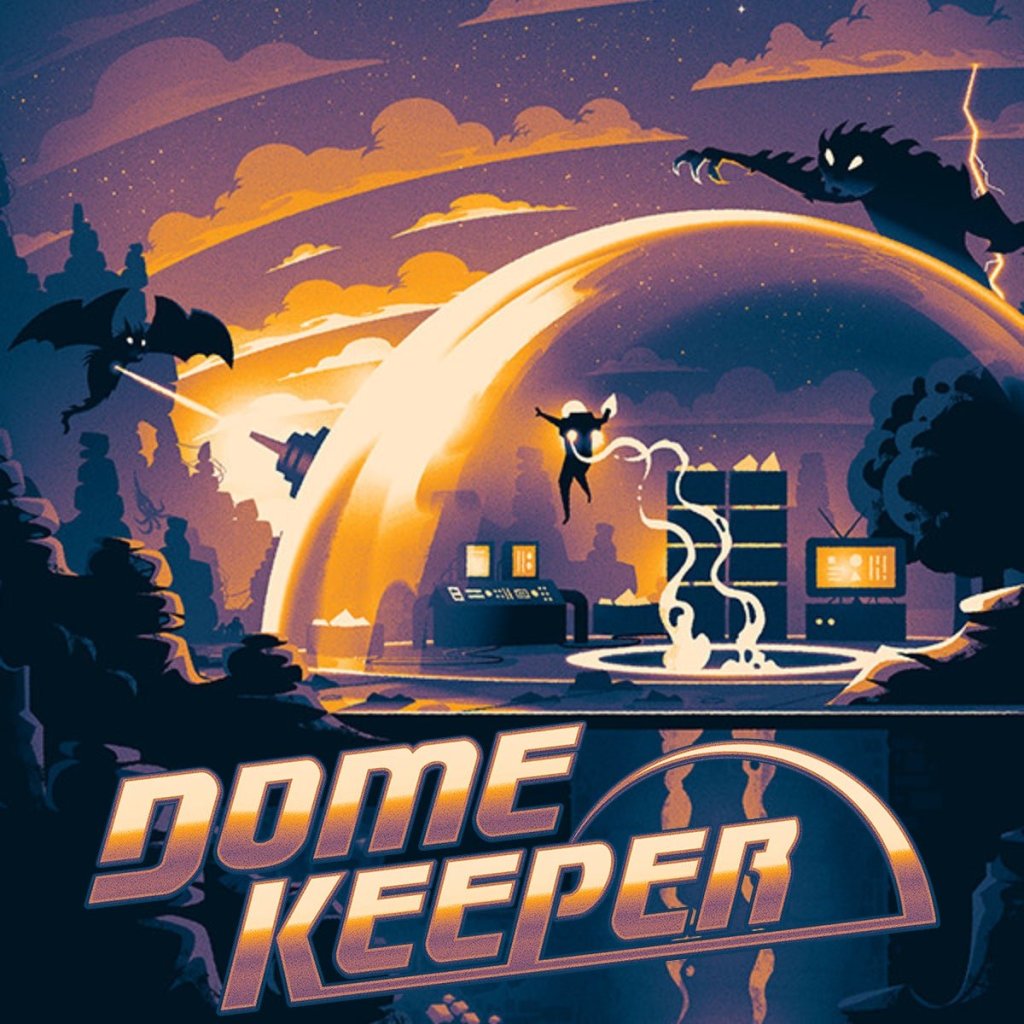
Welcome to Dome Keeper! In this guide, we’ll walk through a comprehensive set of tips and tricks to help you get started and survive your early runs.
Starting Out: Game Settings
Before you begin your first run, take a moment to explore the settings on the left-hand side of the screen. You can adjust difficulty, map size, run modifiers, and game modes. Some features unlock as you progress, like new keepers, domes, and gadgets. Take time to find a configuration that suits your playstyle.
Optimal Mining Pattern
When mining, start by digging straight until you hit the far wall. Then create vertical tunnels with two-block gaps between them. This pattern ensures you see every resource tile, minimizing the chance of missing valuable materials like iron, water, or cobalt.
Understanding Block Toughness
Walls have varying toughness. More open textures mean faster mining, while solid blocks are nearly unbreakable. Recognizing this early helps you avoid wasting time on dense rock.
Essential Early Upgrades
Your first resource haul should focus on iron and water. Bring these back to your dome and upgrade three key modules:
- Hostile Proximity Meter: Displays the timer until the next monster wave.
- Dome Health Meter: Lets you track how much damage your dome has taken.
- Inventory Management: Displays your current stored resources.
These three upgrades will significantly improve your awareness and allow you to make informed upgrade decisions.
Identifying Resources
- Iron (yellow squares): Core for most upgrades.
- Water (blue circles): Used for upgrade enhancements.
- Cobalt (purple triangles): Heals your dome and upgrades dome durability.
Gadget Discovery and Selection
When you find lines in the ground leading to a cluster of blocks, you’re near a gadget. Destroy the four blocks to release it and carry it to your dome. You’ll get two random options (e.g., missile launcher, drill rig), plus the option to shred the gadget for cobalt. Choose gadgets based on your current run difficulty and goals.
Focus Mining and Combat Balance
In the upgrade tree:
- Prioritize Engineer upgrades to improve mining speed, movement, and carry strength.
- Simultaneously invest in Laser Dome upgrades to enhance combat power and firing speed.
Balancing these ensures you can mine efficiently without leaving your dome defenseless.
Completing a Relic Run
In Relic Hunt mode, follow cables to two nodes that must be powered up. Each node is guarded by destructible blocks. Once powered, return to the relic location, retrieve it, and carry it to your dome. Be prepared for a final challenging wave of enemies.
End of Run Rewards
After completing a run, you’ll earn badges and unlock new items or modes. These include:
- Prestige Mode
- Dome or Keeper variants (e.g., Sword Dome)
- Drone Yard
Choose wisely, as these rewards shape your future strategies.
This guide covers the foundations for thriving in Dome Keeper. As you progress, experiment with new gadgets, game modes, and keeper styles. Enjoy the depths—and defend that dome!
Let us know in the comments if this helped, and good luck out there!



 My Gaming Tutorials
Leave a comment